
About this app
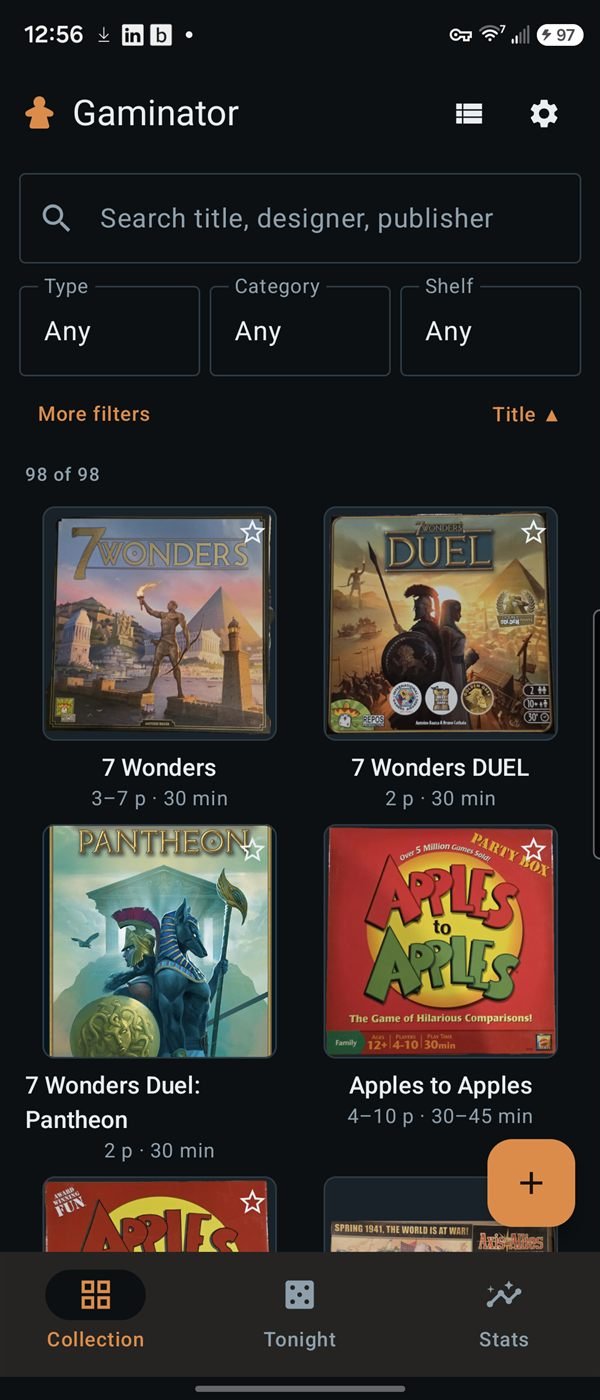
Gaminator catalogs board games by barcode. Scanning runs a cascade: a shared community catalog first, then a barcode-to-game lookup service, then an online game database for metadata. If a barcode misses everywhere, the app reads the box front with on-device text recognition and searches by title instead. Anything you confirm is written back so the next person scanning that barcode gets a direct hit.
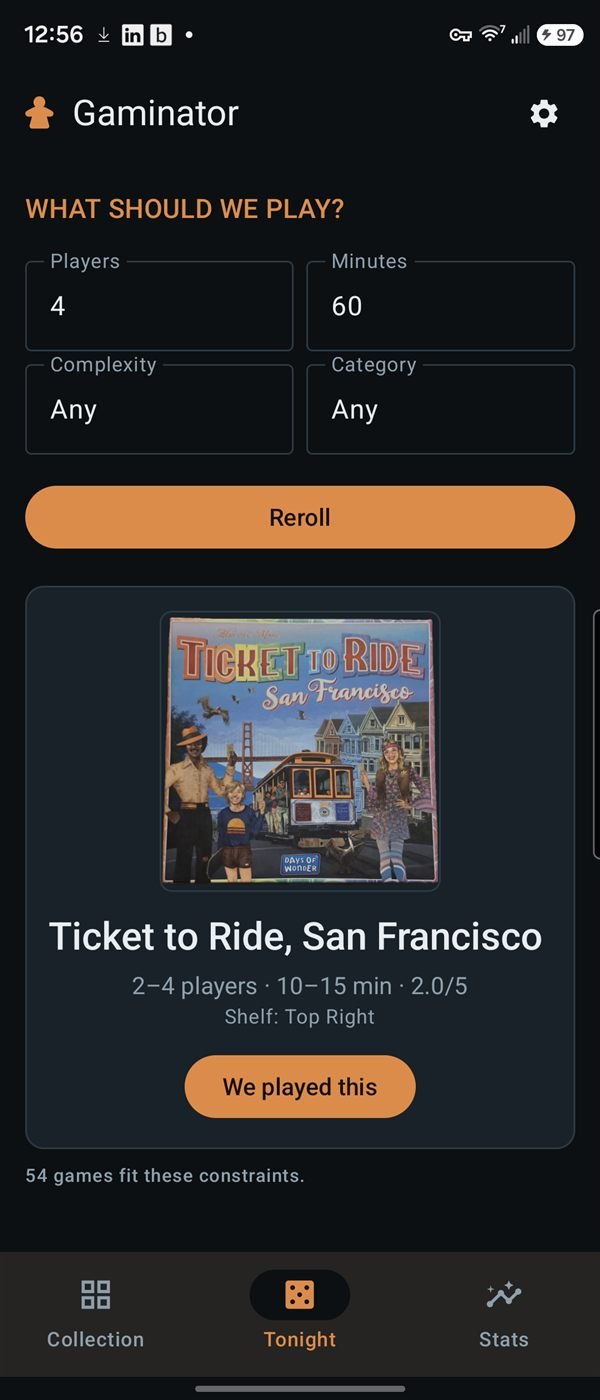
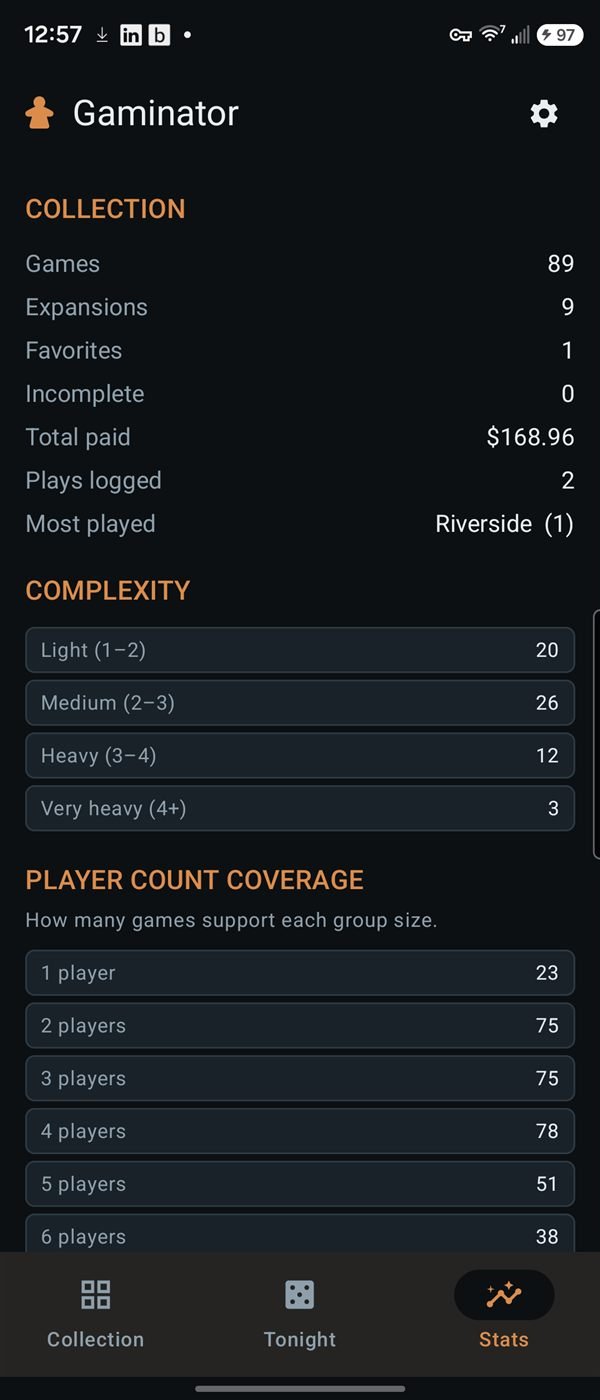
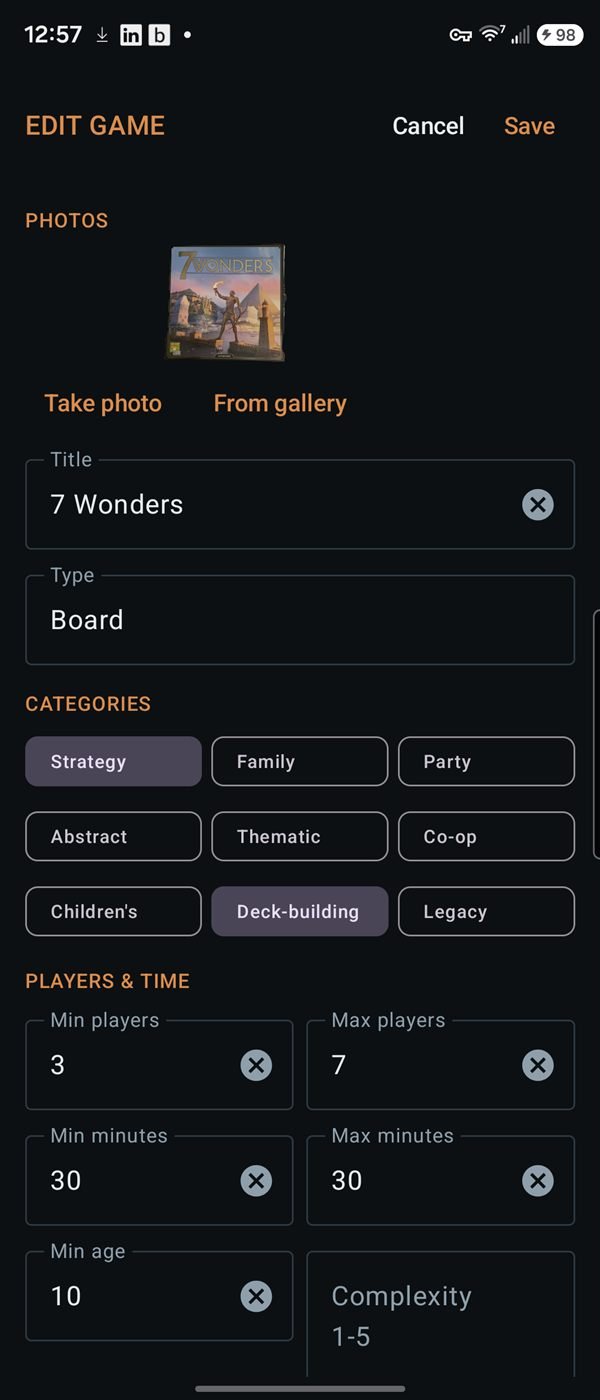
Each saved game records player count, play time, minimum age, publisher, designer, and year, plus your own price, condition, shelf, notes, and play history — the personal fields stay private while the product facts publish to the shared catalog. Your box-front photo becomes the catalog's cover art, downscaled and uploaded automatically. A randomizer picks a game for the night, and an admin screen handles catalog cleanup and art takedowns.
How to install this APK
- Tap Download APK above to download the file.
- Open it from your notification shade or your Downloads folder.
- Android will ask whether to allow installs from this source — this is normal for apps that aren't on the Play Store. Allow it for your browser, then go back.
- Tap Install, then Open.
The app checks for its own updates from then on, so this is a one-time process.