About this app
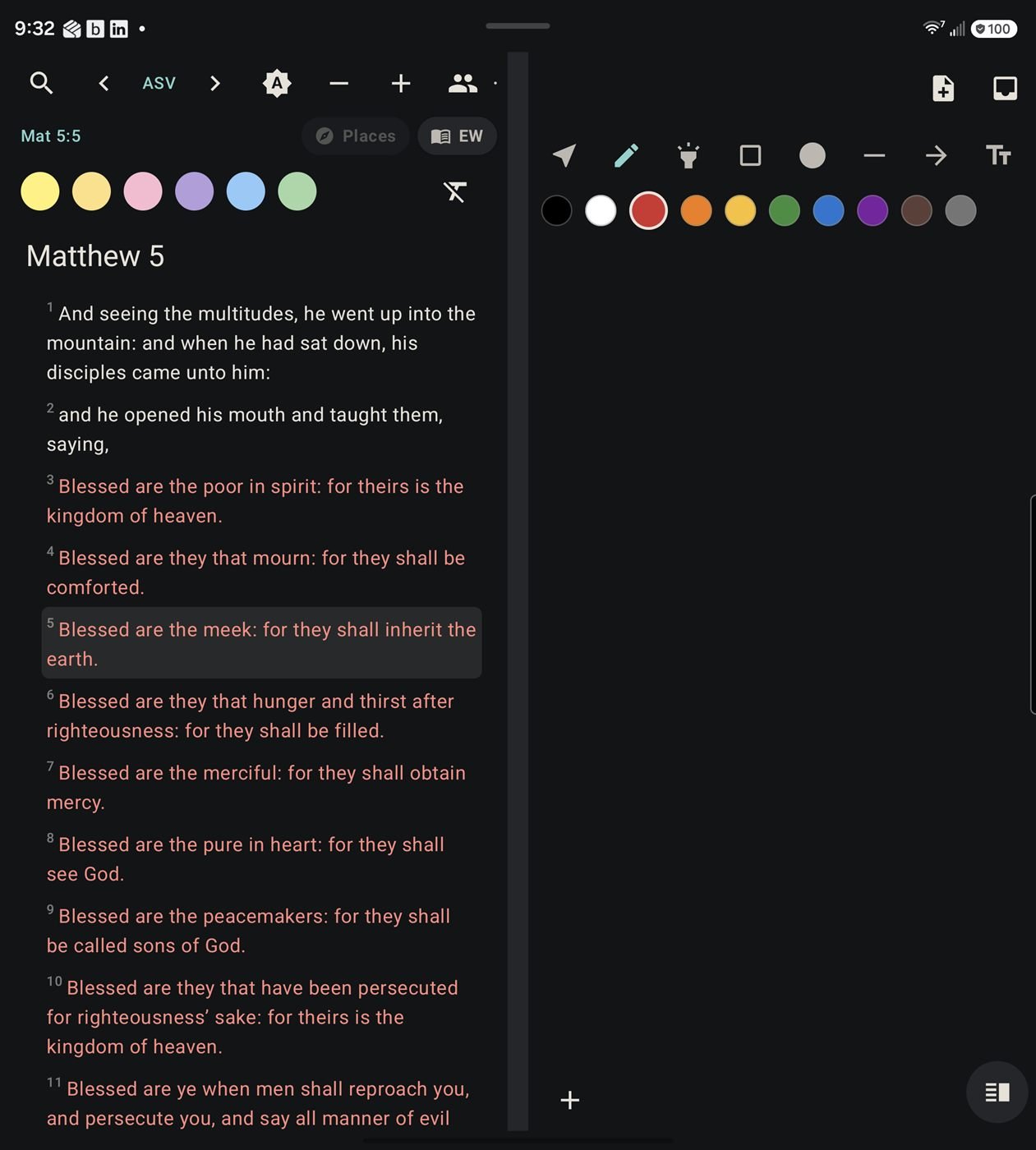
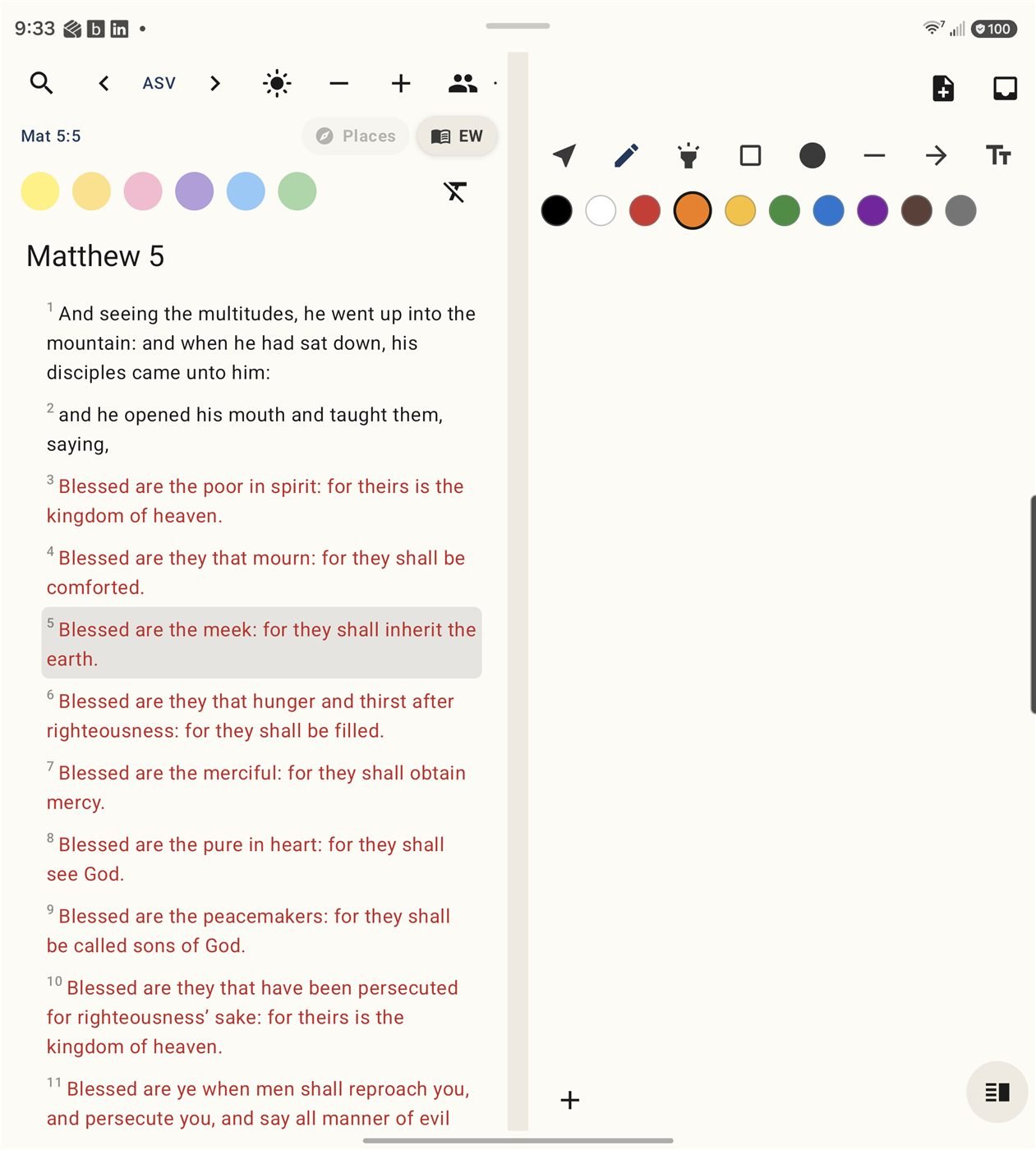
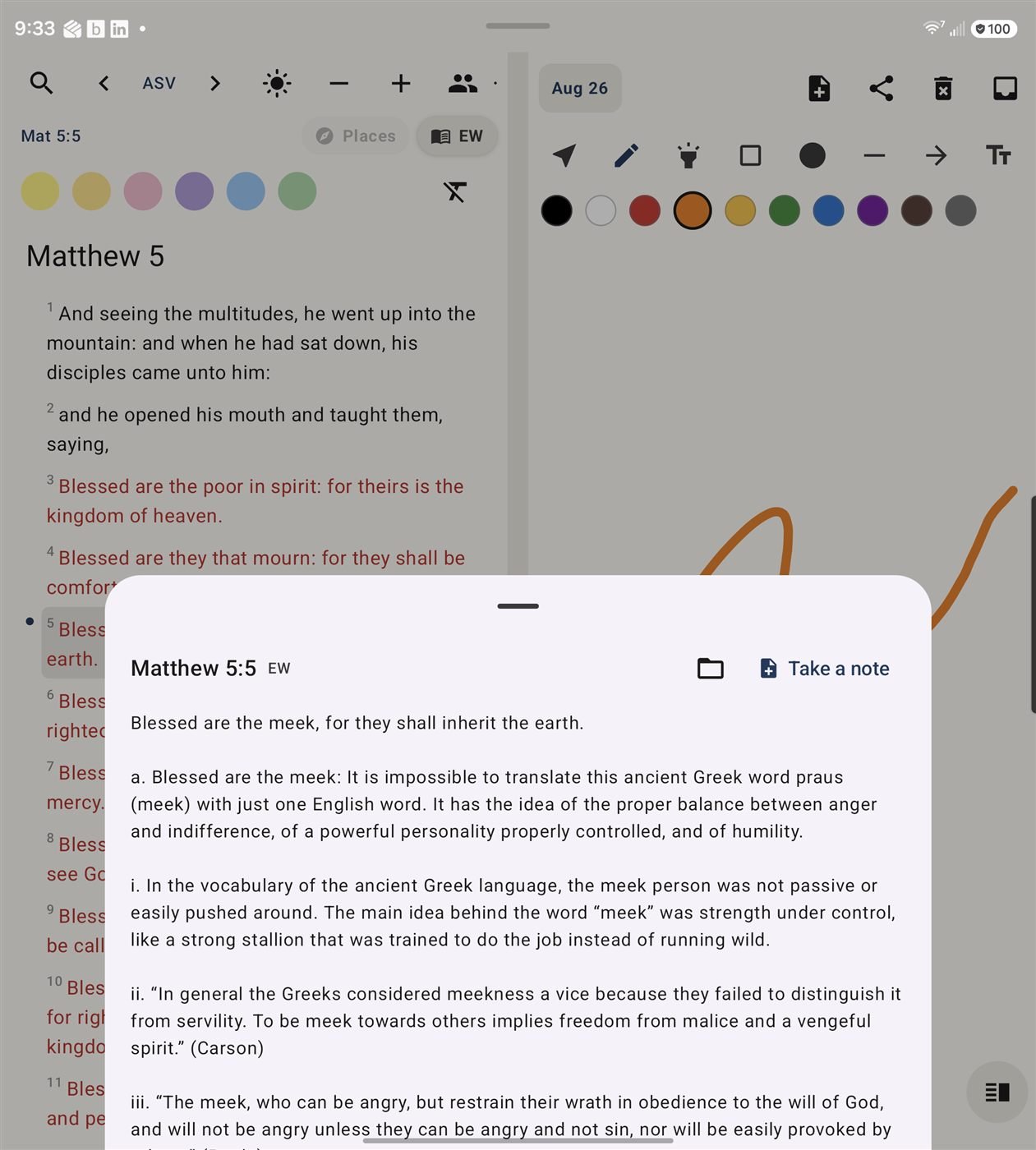
Scribinator puts a Bible reader and a freeform notes canvas side by side. Notes anchor to a specific verse — or a specific word within it — and are keyed by book, chapter, and verse, so they follow you when you switch translations. The canvas takes freehand ink, shapes, text, a highlighter, and photos from your camera or gallery with crop and rotate, spread across multiple pages. Four pane layouts cover split, notes-only, and scripture-only reading.
The ASV and KJV ship inside the app along with study commentary, cross-references, a Bible atlas, three daily devotionals, and a one-year reading plan — all offline, in a bundled database. ESV, NASB 1995, CSB, and The Message are available online. Add word search, reference lookup, six highlight colors, four themes, red-letter text, and read-only note sharing with family.
How to install this APK
- Tap Download APK above to download the file.
- Open it from your notification shade or your Downloads folder.
- Android will ask whether to allow installs from this source — this is normal for apps that aren't on the Play Store. Allow it for your browser, then go back.
- Tap Install, then Open.
The app checks for its own updates from then on, so this is a one-time process.