
SPED Scheduler
Builds weekly IEP push-in and escort schedules for classrooms.
About this app
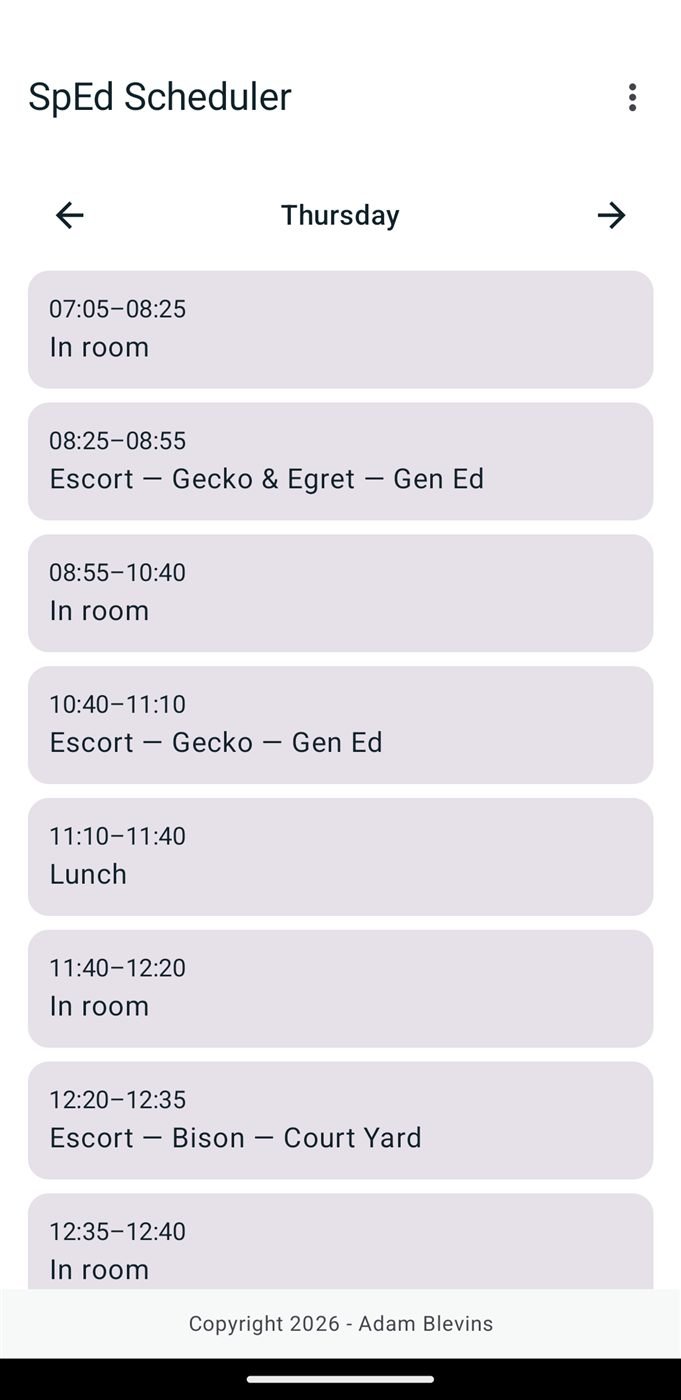
SPED Scheduler plans a special education classroom's week. Enter your staff, students, and each student's IEP service requirements, then build the schedule on a 32-slot weekly grid — click to assign, lock cells you want kept, and see conflicts outlined in red with a plain-language explanation when you click one. The auto-solver fills the rest, tightest requirements first, attaching a reason string to every cell it places.
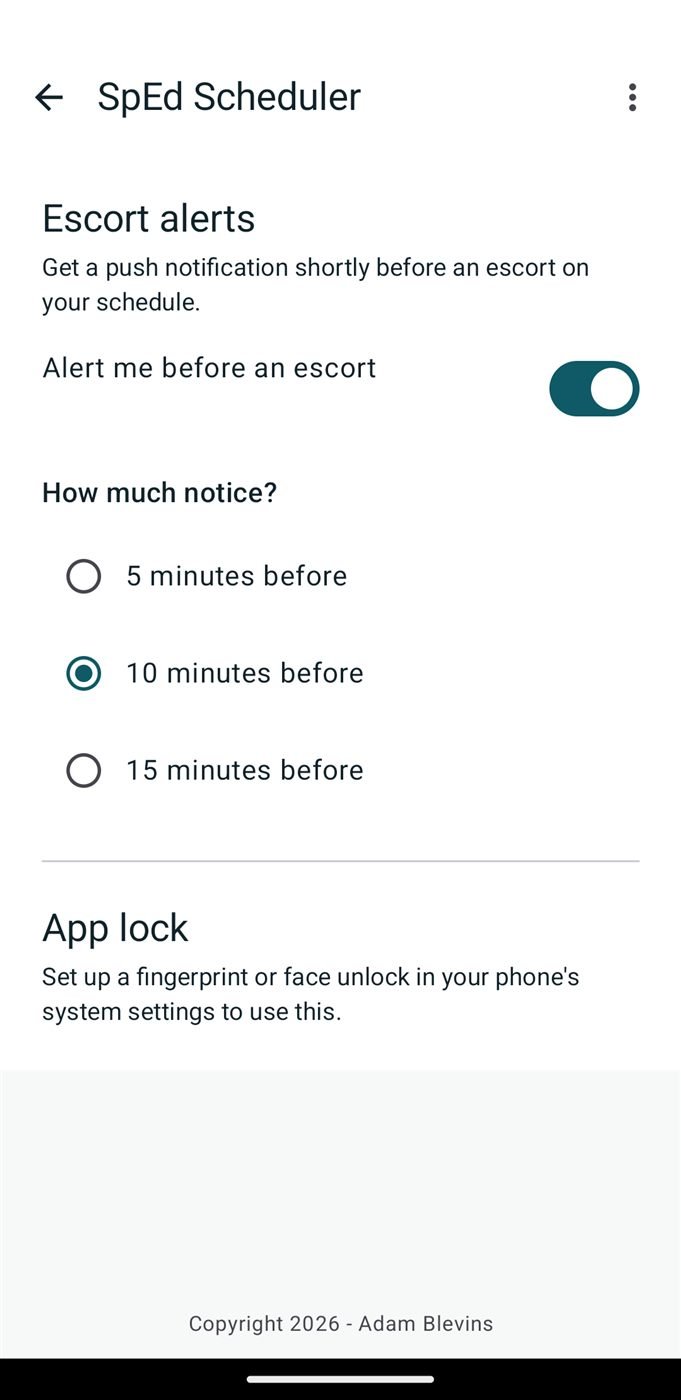
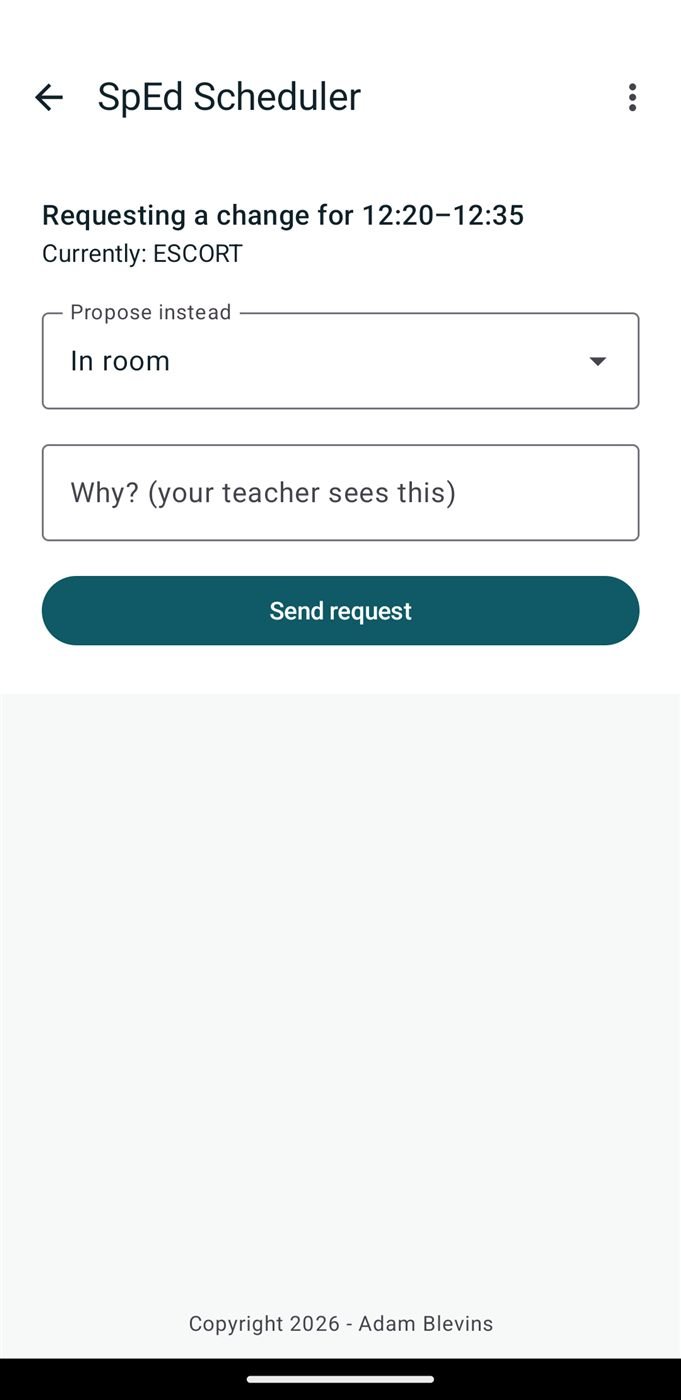
The solver and the validator are written independently, so a solver bug cannot certify its own output; every generation is cross-checked and disagreements are logged. Teachers get a coverage audit, printable daily cards, a Privacy Mode, and encrypted client-side backups. Paraprofessionals sign in as assistants, view only their own schedule, and propose changes the teacher approves. Every change is appended to a permanent log.
How to install this APK
- Tap Download APK above to download the file.
- Open it from your notification shade or your Downloads folder.
- Android will ask whether to allow installs from this source — this is normal for apps that aren't on the Play Store. Allow it for your browser, then go back.
- Tap Install, then Open.
The app checks for its own updates from then on, so this is a one-time process.